
05 May 2025
Are Monitor Mounts Stands Universal?
An In-depth Analysis of the Adaptation Key Points of Desktop-Placed and Desktop-Mounted Mounts
When purchasing a monitor mount, "whether it is universal" is the most frequently asked question by consumers. In fact, the universality of a monitor mount depends on its type and key parameters. This article will analyze in detail the adaptation logic of two mainstream types of mounts to help you accurately choose the right one.
I. Desktop - Placed Mounts: Weight Matching is the Core, with Limited Universality
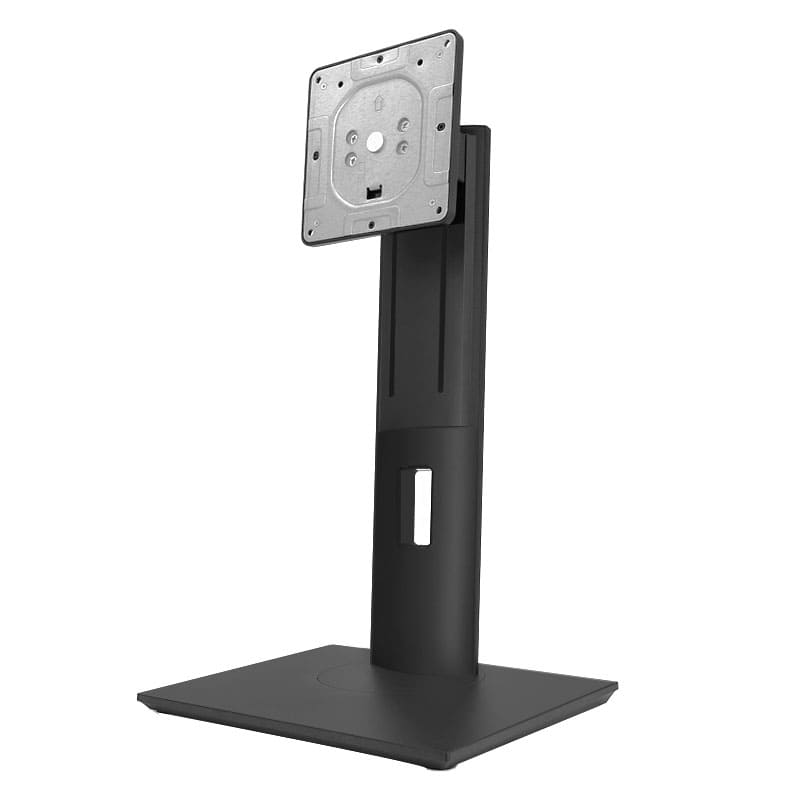
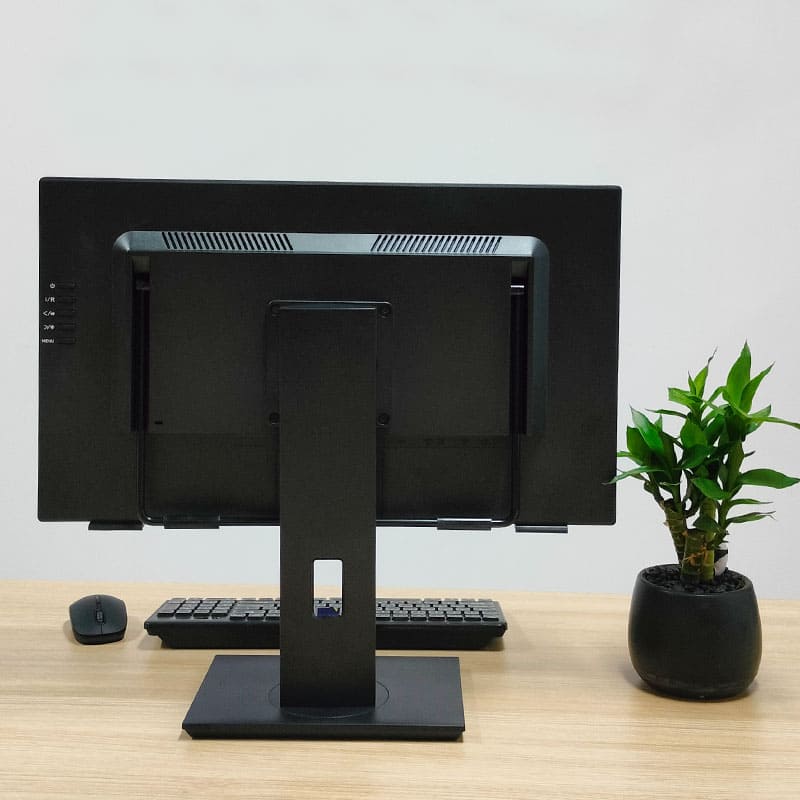
Desktop - placed mounts are popular because they don't need to be fixed and can be placed freely on the desktop. However, their design logic determines that they do not have extensive universality, and the core limiting factor is the weight of the monitor.
- Working Principle and Limitations
This type of mount usually consists of a base, a support pole, and a VESA mounting head. Its "lifting and floating" function needs to be achieved through the weight of the monitor itself.
For example:
- If the monitor weighs 4 kg, you must choose a mount with a load - bearing capacity of 4 kg. You cannot use a mount with a load - bearing capacity of 3 kg or 5 kg. Mismatched weight will cause the mount to fail to achieve the lifting function.
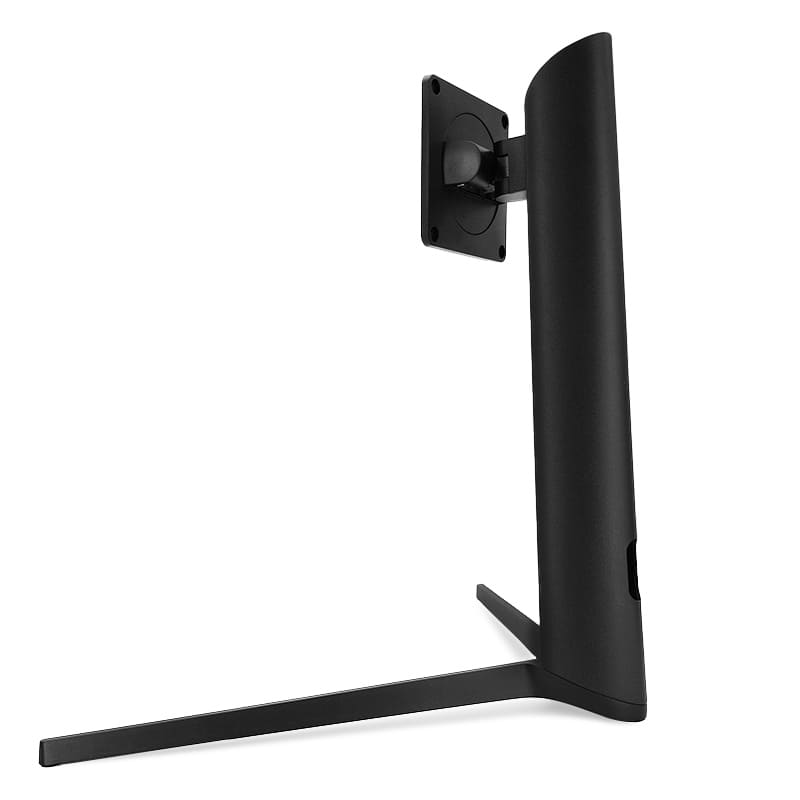
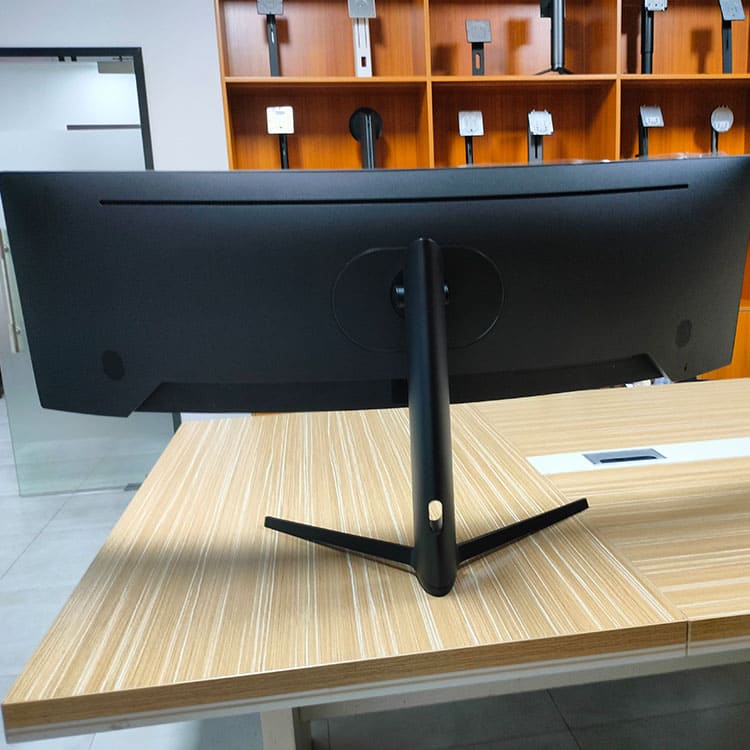
- This aluminum-alloy V- shaped base, which is also of the desktop-placed type, can bear a maximum weight of 15 kg. It is suitable for wide-screen or curved-screen monitors, but still needs to strictly match the weight parameters.
- Purchase Recommendations
Before purchasing, be sure to confirm the net weight marked on the back of the monitor (or check through the product manual) and correspond it to the load - bearing range of the mount.
II. Desktop - Mounted Mounts: Universal within a Weight Range, with Higher Adjustment Flexibility
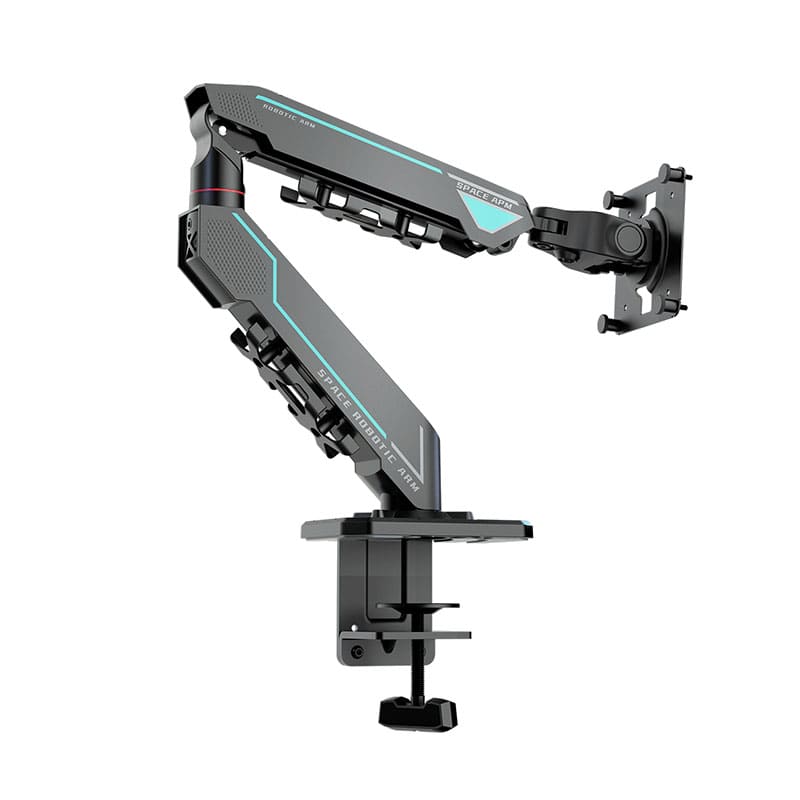
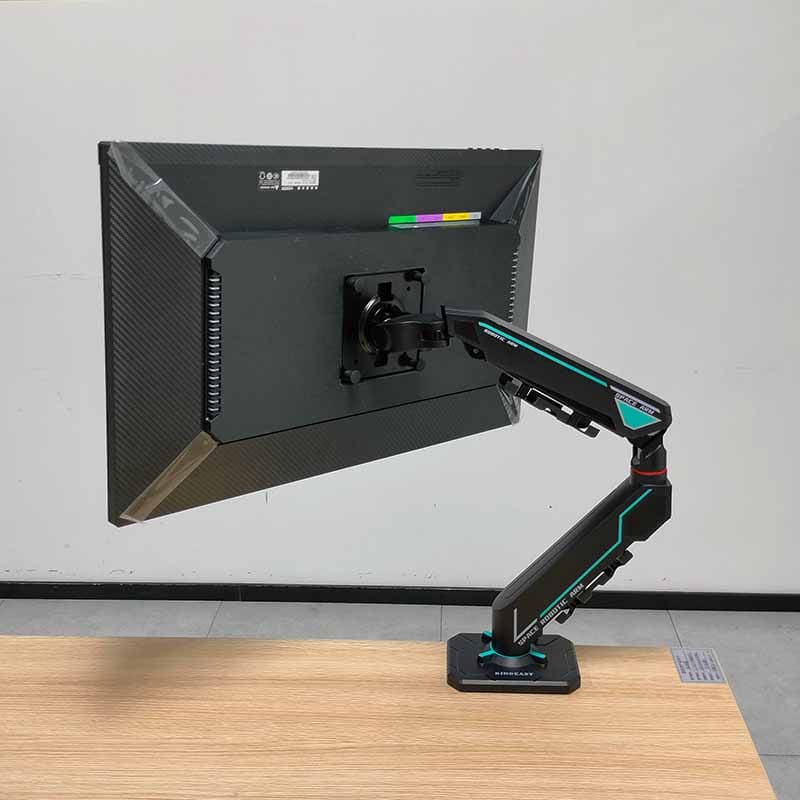
Desktop - mounted mounts (such as clamp-on or through-hole mounts) are fixed to the desktop with screws, and their universality lies in their compatibility within a certain weight range.
- Universal Logic and Adjustment Methods
If the mount is marked with a load - bearing capacity of 3 - 8 kg, monitors within the range of 3 - 8 kg can be used. Its core adaptation mechanism lies in the tension adjustment function:
- Through the screw structure inside the mount arm, users can manually tighten or loosen the tension spring, enabling the mount to adapt to the pressure requirements of light - weight monitors (such as 3 kg) or heavy - weight monitors (such as 8 kg).
- Additional Functional Advantages: It supports 360 - degree rotation without blind spots, free extension and retraction, up - and - down lifting, and vertical and horizontal adjustment, meeting the needs of multi - scenario office or entertainment.
- Applicable Scenarios
It is suitable for users who need to frequently adjust the screen angle (such as designers, multitasking office workers), especially for scenarios where multiple monitors are used together at home or in the office (ensuring that the weights are within the load - bearing range of the mount).
III. The Core Principle of Universal Adaptation: Check the Weight First, Then Choose the Type
Regardless of which type of mount you choose, the weight of the monitor is a decisive factor:
1. First Step: Confirm the net weight of the monitor (excluding the base), which can usually be found on the product label or in the official website parameters.
2. Second Step: Choose the type according to the usage scenario:
- For those who pursue flexible placement: Choose a desktop - placed mount, but it needs to strictly match a single weight.
- For those who need multi - angle adjustment and universal compatibility: Choose a desktop - mounted mount, and give priority to considering a load - bearing range that covers the monitors you are currently using and may use in the future.
3. Third Step: Check the compatibility of the VESA hole positions (most mounts support standard 75x75mm or 100x100mm hole positions) to ensure that the installation interface matches.
IV. Frequently Asked Questions
- Q: Can an overweight mount be used to support a lightweight monitor?
A: It is not recommended. Exceeding the load - bearing capacity of the mount not only fails to achieve the adjustment function of the mount but also may cause damage to the monitor.
- Q: Does a curved - screen monitor require a special mount?
A: The V - shaped base of some desktop - placed mounts is specially designed for large - screen and curved - screen monitors, but the core still needs to match the weight; as long as the load - bearing capacity of a desktop - mounted mount meets the standard, it can usually be compatible with curved - screen monitors.
Summary: The universality of monitor mounts is not absolute. It is based on a comprehensive match of "type + weight + installation interface".
When choosing, you should first pay attention to the load - bearing range, and then decide on the type according to your usage habits. If you need to be compatible with multiple monitors, the interval load - bearing design of desktop - mounted mounts has more advantages. If you have any other purchase questions, feel free to leave a message in the comment section!