
24 May 2025
What is PC Monitor Swivel stand? How does it work?
In modern office and home entertainment, the monitor swivel stand has become an essential tool for enhancing the visual experience.
The swivel function is one of the important features, allowing users to freely adjust the monitor angle according to their needs.
But do you know where is the swivel function and how to choose? This article will break it down for you in detail.
I. What is the swivel function?
In the field of monitor stands, it specifically refers to the ability of the monitor to rotate horizontally left and right. Through this function, users can easily adjust the screen direction, which is convenient for multi-person collaboration discussions and temporary switching of work perspectives, greatly improving the convenience and comfort of use.
II. The positions of Swivel
1. On the Base
For base-rotating stands, the rotation axis is located at the bottom of the stand, usually supporting a horizontal rotation angle of 15 and 45 degrees.
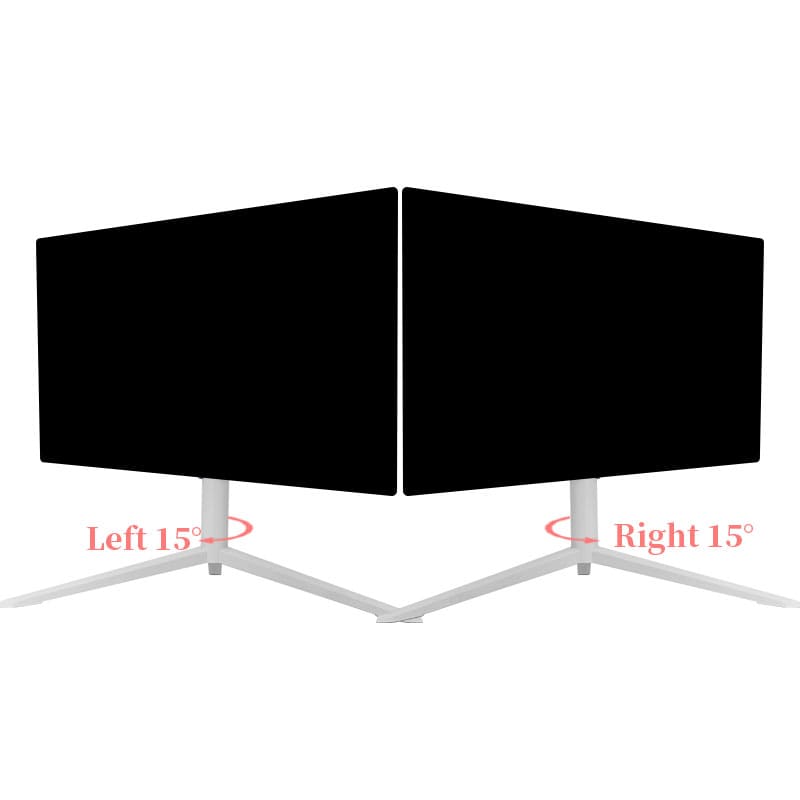
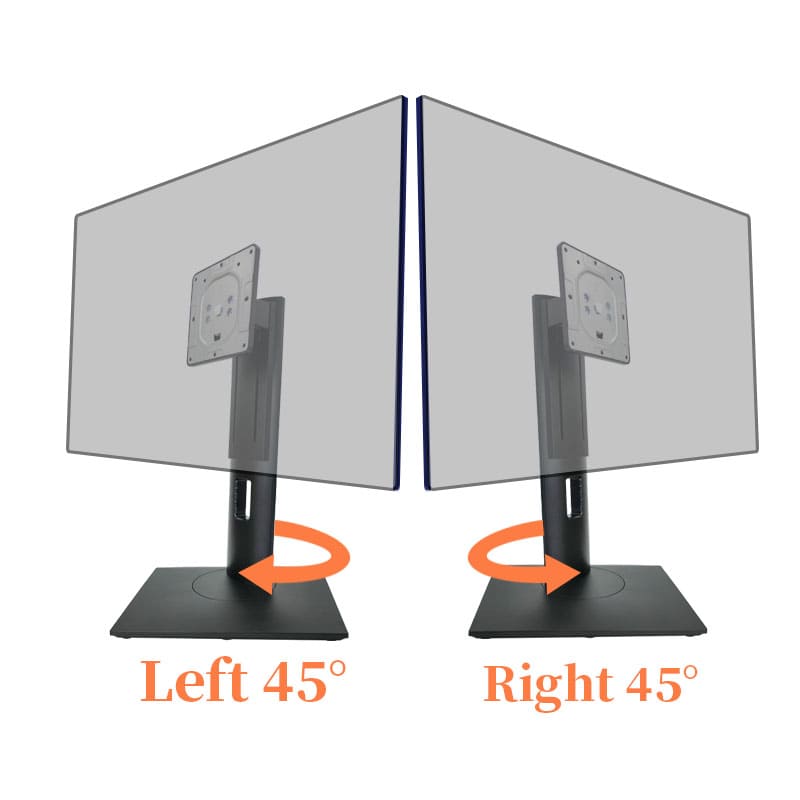
2. On the head
For head-rotating stands, the rotation joint is located at the connection part of the monitor, generally supporting a horizontal rotation of about 35 degrees. Some customers may need to place items on the base and require that the base cannot rotate, so they should choose a head- rotating stand.
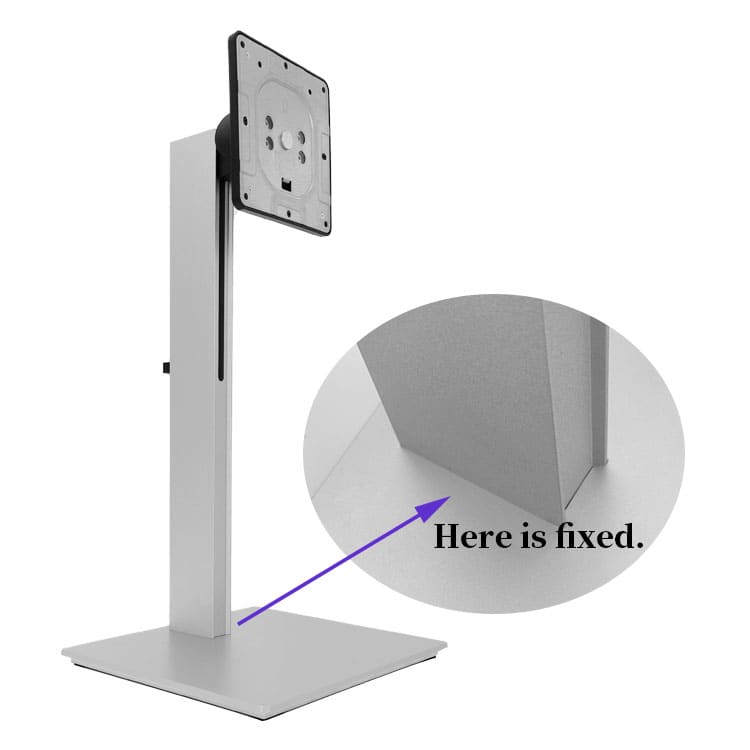
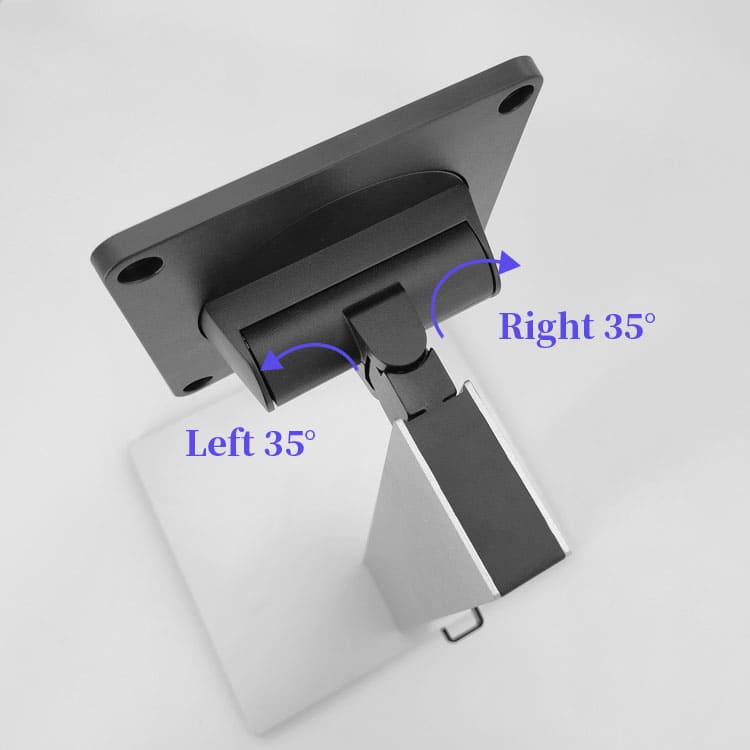
III. Installation methods and compatibility
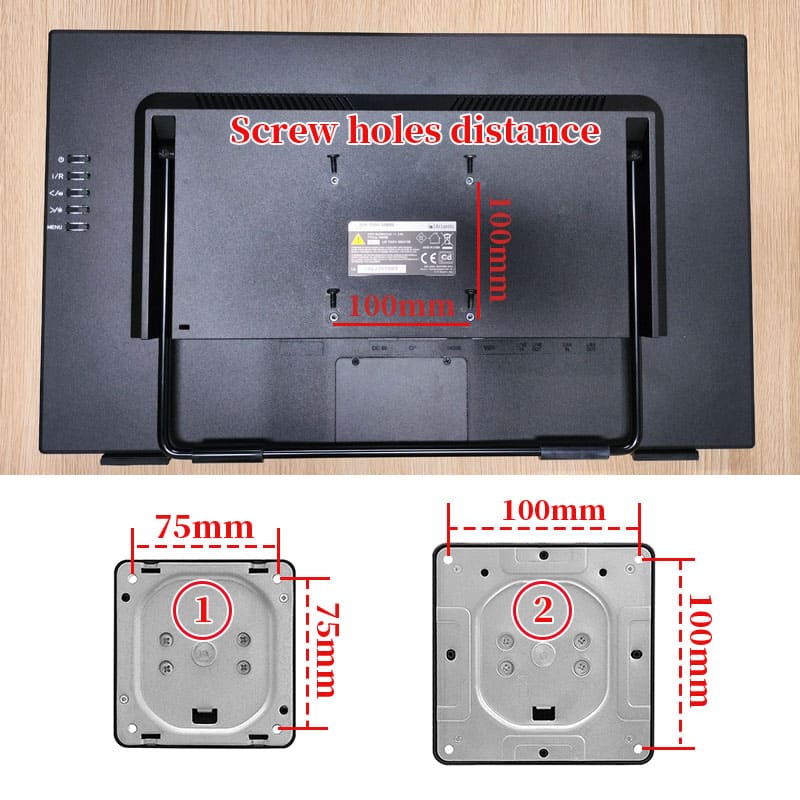
Confirm the installation method of the screen is applicable or not, the VESA size (commonly used ones are 75*75mm or 100*100mm), and check whether the monitor size and weight are within the load-bearing range of the monitor swivel stand.
IV. Other functions of the monitor swivel stand:
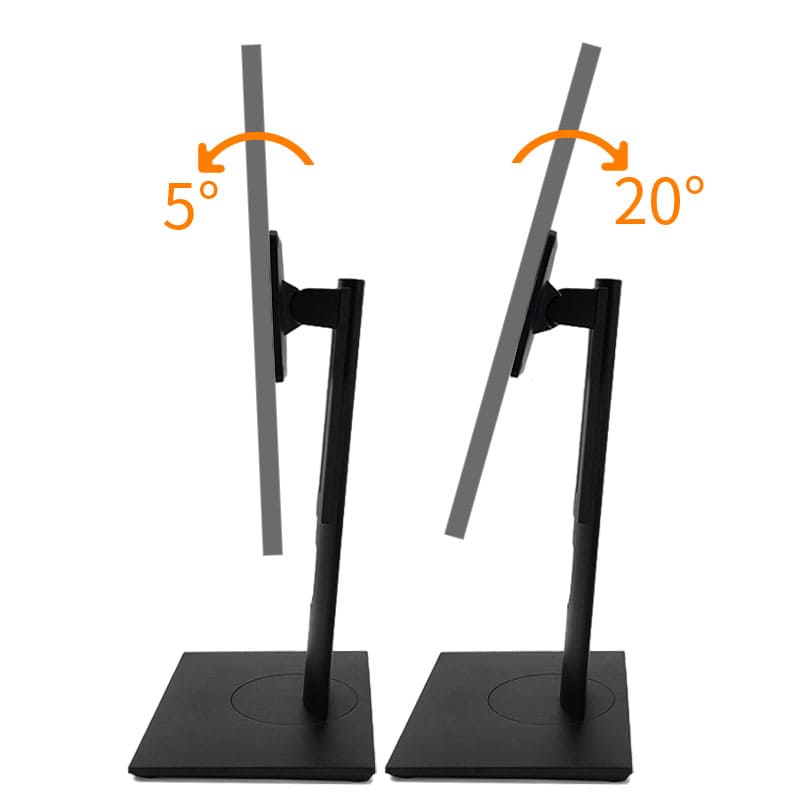
- Tilt:
It refers to the ability to adjust the angle of the monitor up and down, which helps to reduce eye and neck strain by optimizing the viewing angle.
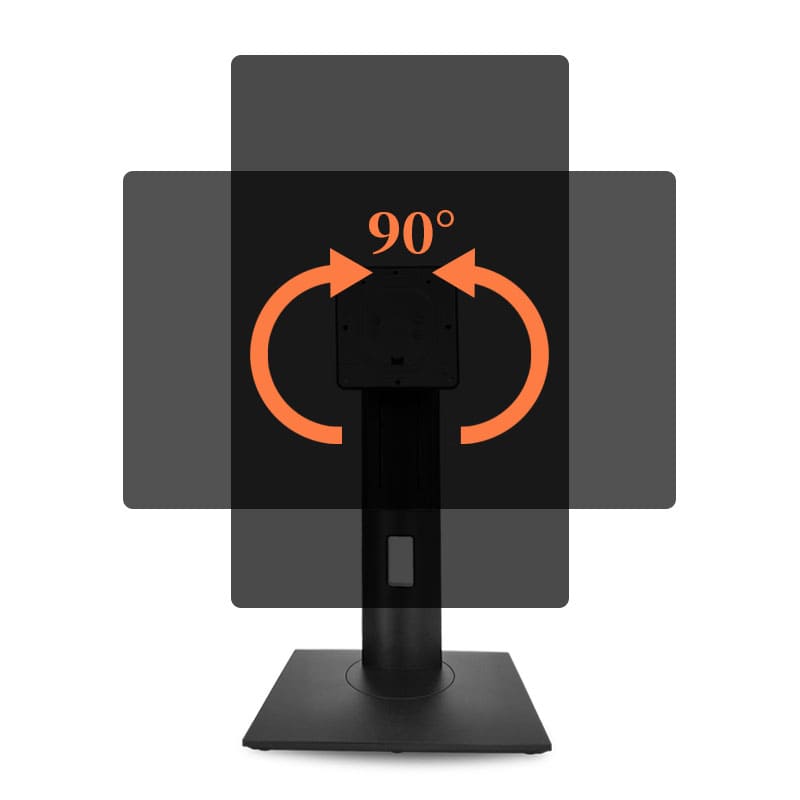
- Pivot:
This function allows the monitor to be rotated 90 degrees from a landscape to a portrait orientation or vice versa, which is useful for tasks such as reading long documents or viewing vertical - format content.
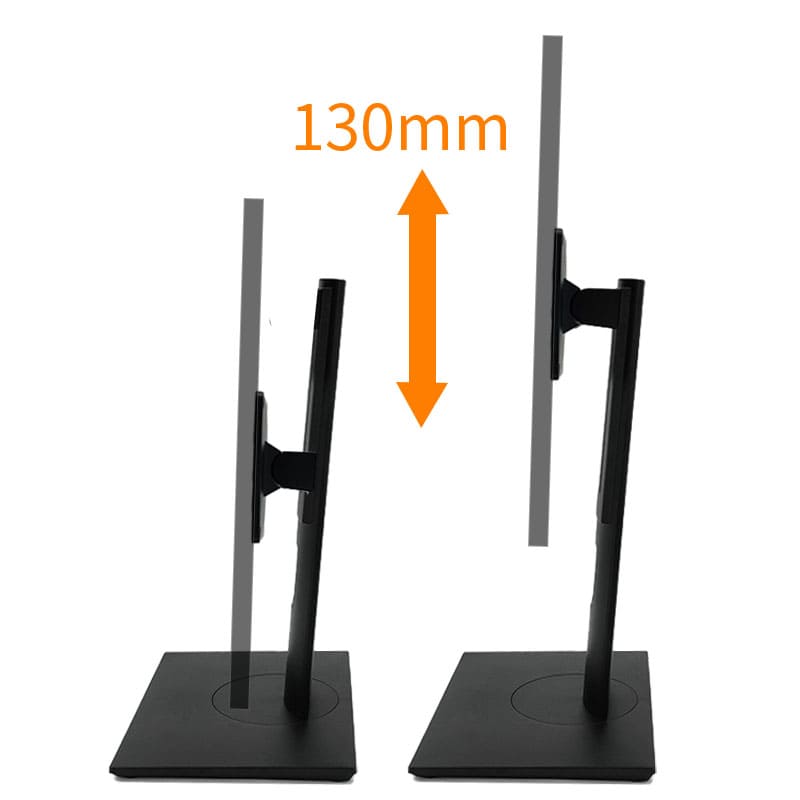
-Hover Lift:
It enables the vertical adjustment of the monitor's height, so that users can set the monitor at a comfortable eye - level position.
Conclusion
The Monitor Swivel stand can bring great convenience to you during the use of the screen. You can choose base rotation or head rotation according to your own needs. I hope this article can help you find the most suitable stand.